 Sara Kim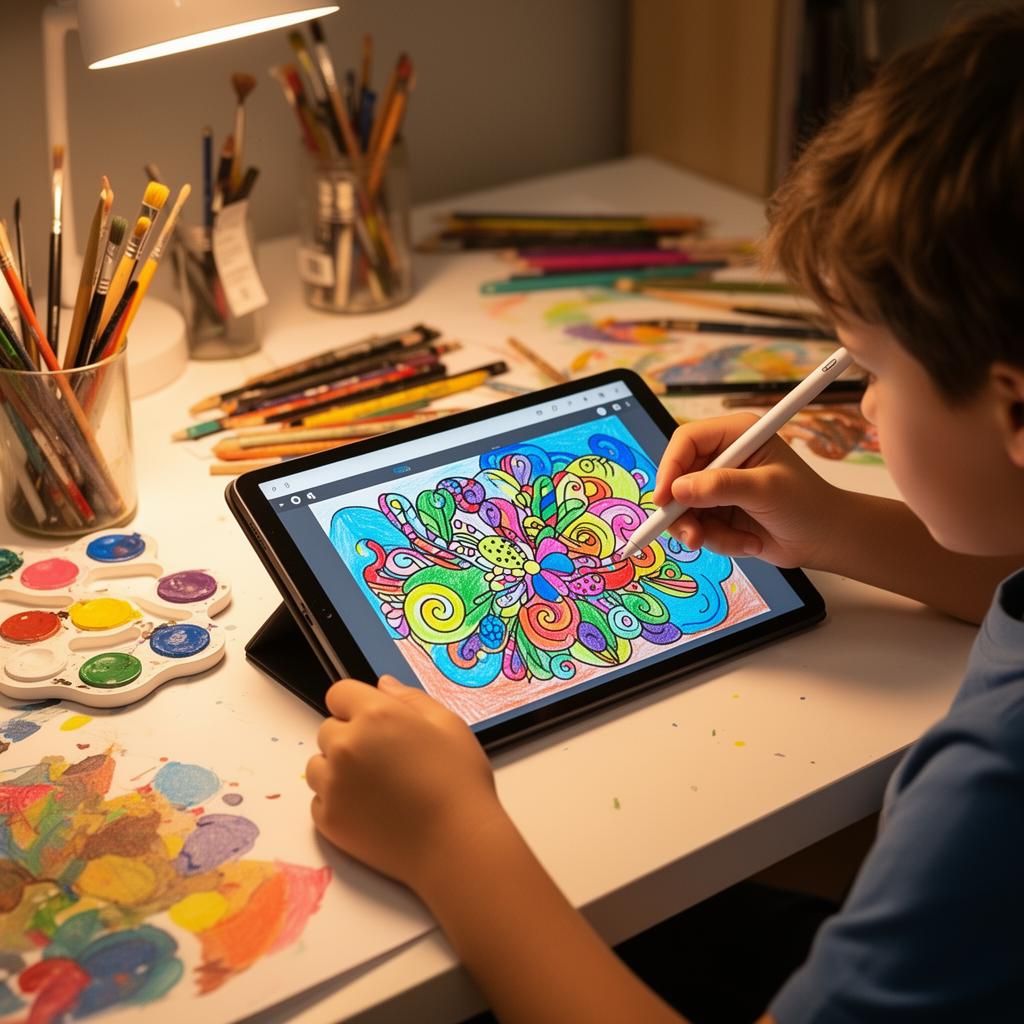
Why Digital Art?
Digital art removes the fear of 'messing up.' There's always an undo button, colours never run out, and the canvas can be any size. For kids who might hesitate to draw on paper, digital tools offer a safe space to experiment without the anxiety of wasting materials or making permanent mistakes. This psychological safety is especially important for children who identify as 'not good at art' - the undo button alone can transform a reluctant drawer into a confident creator.
Getting Started: What You Need
The good news is you probably already have everything you need. Any tablet, phone, or computer with a touchscreen will work. A dedicated drawing app is helpful but not essential - our Drawing Lab works right in the browser. No stylus needed for beginners; fingers work perfectly fine. Start with simple projects like tracing over reference images, drawing favourite characters, or creating abstract patterns. The goal is to build comfort with the medium before worrying about technique.
Stylus vs Finger
Most kids start with their finger on a tablet - and that's perfectly fine! A stylus adds precision for older children (8+) but isn't necessary to get started. Some of the best digital art by kids is made with nothing but a finger and a touch screen. Focus on ideas first, tools second. If your child does want a stylus, you don't need an expensive Apple Pencil - basic capacitive styluses cost under $10 and work well for learning. Save the premium tools for when your child has developed a sustained interest.
Understanding Layers
One of the most powerful concepts in digital art is layers - transparent sheets stacked on top of each other. A child can draw the background on one layer, the character on another, and details on a third. This means they can modify any element without affecting the rest. Layers teach organisational thinking and planning - skills that transfer to writing (drafts and revisions), science (isolating variables), and project management. Introduce layers gradually; many kids discover them naturally when they want to move one element without disturbing another.
Colour Theory Made Fun
Digital tools make colour exploration effortless. Unlike physical paints where mixing the wrong colours creates mud, digital colour mixing is endlessly reversible. Kids can experiment with hue, saturation, and brightness sliders to understand why some colour combinations feel harmonious and others clash. Introduce the colour wheel concept through play: 'Can you make a drawing using only colours next to each other on the wheel? Now try using colours from opposite sides.' These exercises teach design principles through creative challenge rather than abstract theory.
Building a Portfolio
One of the best things about digital art is how easy it is to save, share, and build a collection. Encourage your child to keep a 'digital sketchbook' - saving their work regularly builds confidence over time as they see their own improvement. Our tools auto-save everything, so nothing is ever lost. Create a monthly ritual of looking through recent creations together. Kids are often surprised and motivated by their own progress when they compare their latest work to pieces from a few months ago.
From Hobby to Habit
The key to developing artistic skills is regular practice, not marathon sessions. Encourage 15–20 minutes of drawing daily rather than a 3-hour session once a week. Daily practice builds muscle memory, visual observation skills, and creative confidence more effectively than occasional intense sessions. Set up a comfortable drawing spot, keep the app easily accessible, and consider a 'daily doodle' challenge where the whole family draws something based on a simple prompt. Making art a routine removes the activation energy of 'deciding to draw' and lets creativity flow naturally.
 Mia Chen
 James Lee

 Alex Rivera